Component library
SCADA Symbol Library for Kingfisher 3D SCADA
Kingfisher marketplace categories help engineers assemble symbols scenes faster. Drag components into 3D views, bind live tags, and publish browser dashboards without modeling every asset from scratch.
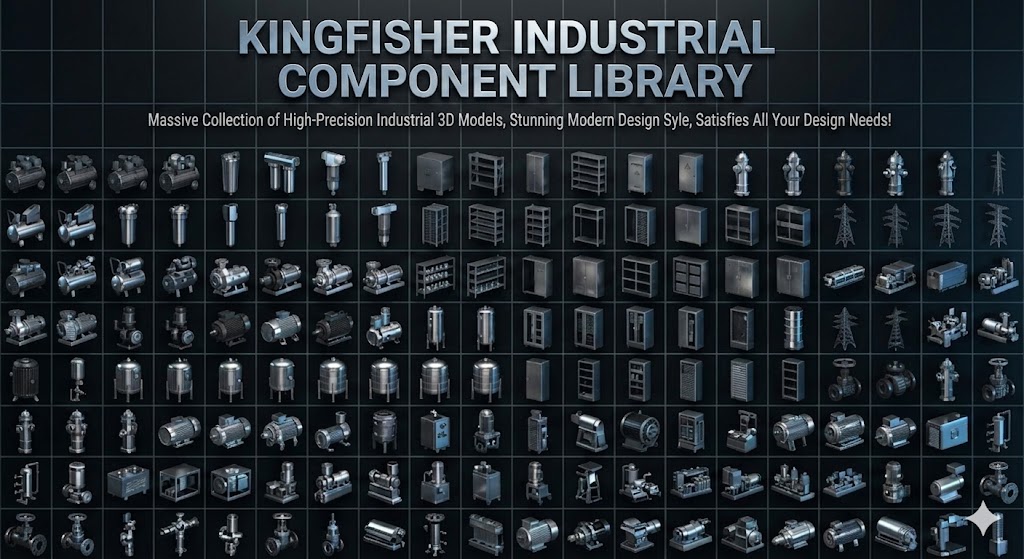
* Component library preview
What this category includes
Search queries like “scada symbol library” or “HMI component library” come from integrators who need reusable artifacts—not one-off meshes for every project.
The symbols collection groups Kingfisher-ready assets aligned with generic HMI primitives workflows.
Components ship with consistent naming and binding hooks so tags map predictably during commissioning.
How to use in Kingfisher
Open the Kingfisher editor, browse the symbols category, and drop components into the scene graph.
- Select a component variant matching your symbols equipment
- Bind tags to animation or color properties
- Duplicate arrays for repeated equipment
- Publish and verify in the browser runtime
Who uses this
symbols integrators and OEM skids
System integrators building repeatable templates
- Faster bid response with proven assets
- Consistent UX across sites
Notes
Verify component scale matches your scene LOD needs
Custom branding may require material overrides
- Check license for commercial redistribution
- Keep component versions in project docs